Role Based Access Control
Setup
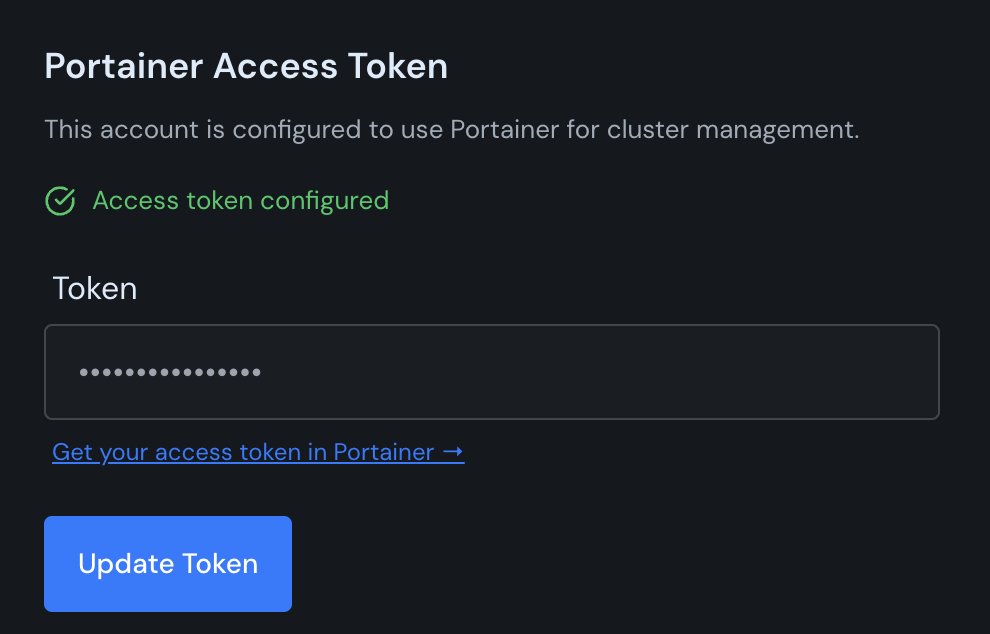
If you enabled role based access control in your Portainer integration, all users will need to upload their own Portainer access token. Each user in your Canine instance should:
- Create an access token in Portainer under My Account → Access tokens → + Add access token
- Navigate to Account → Credentials in Canine
- Paste their Portainer access token and save
How RBAC works
All actions taken through the UI will be done through the logged in users Portainer token, via the Portainer kubectl proxy. This ensures that if a user in Portainer is unable to access a cluster resource, those permissions will flow through to Canine.