Managed Kubernetes
For production workloads, you can use a managed Kubernetes service from cloud providers like AWS (EKS), Google Cloud (GKE), DigitalOcean, Linode, or others.
Prerequisites
- An account with your cloud provider
kubectlinstalled locally- Access to your cluster's kubeconfig
Get Your Kubeconfig
Each Kubernetes provider has a different method to retrieve the kubeconfig. The easiest way is to just download it from the portal.
DigitalOcean
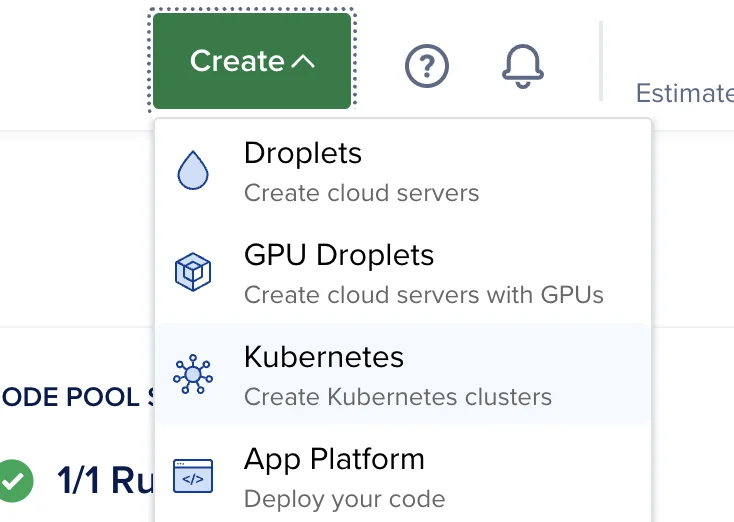
Create a cluster by clicking on Create → Kubernetes.
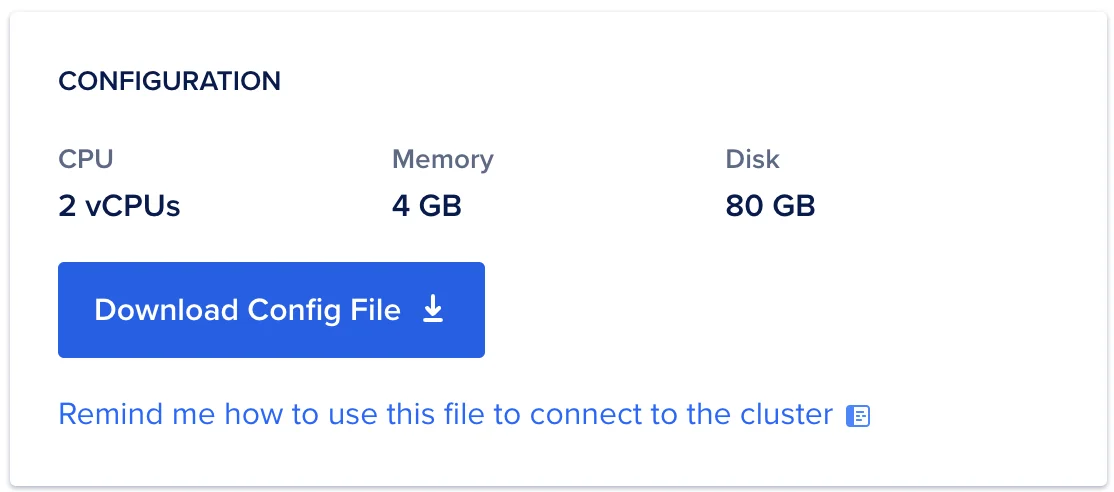
Download the Kubeconfig file from the UI
Linode
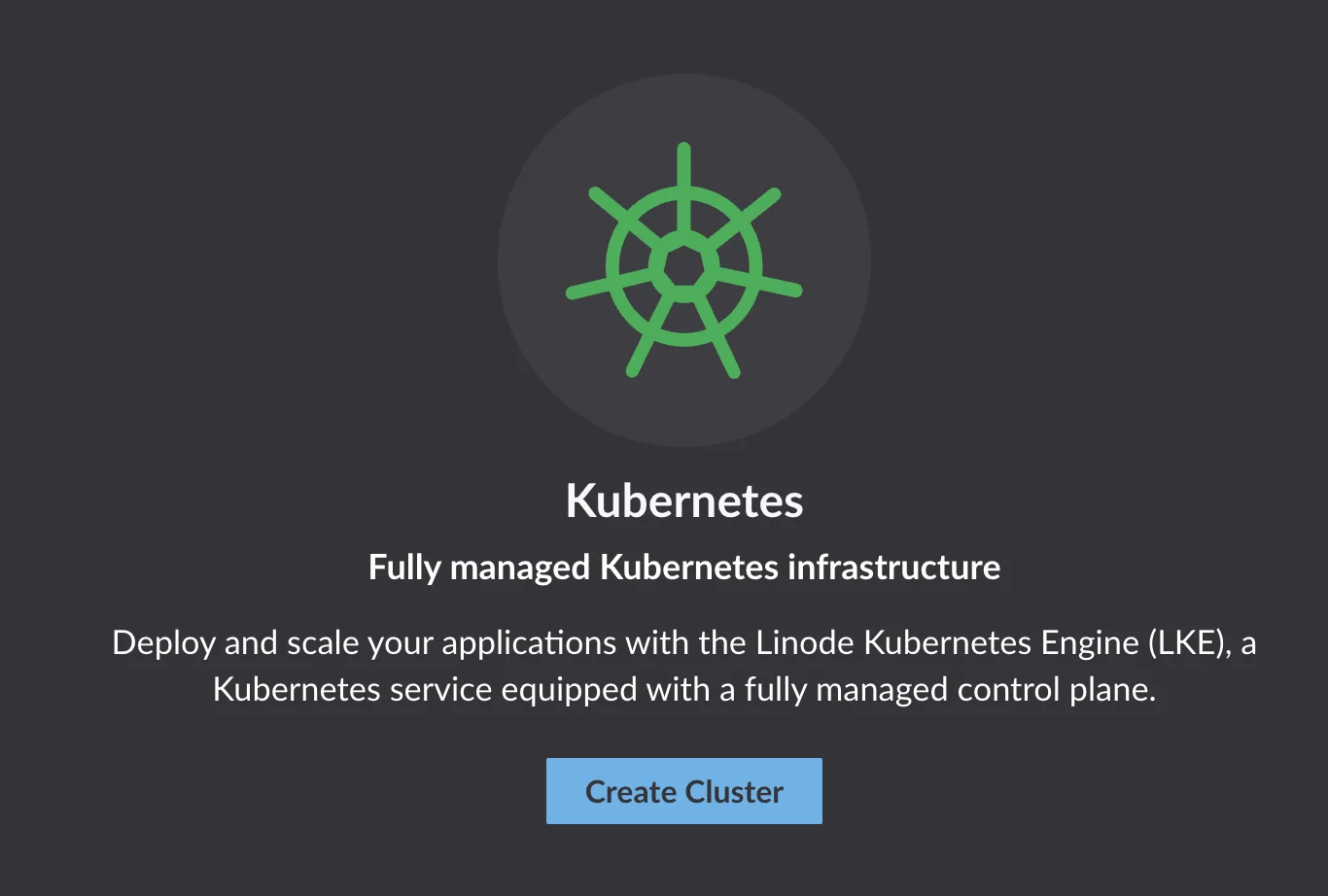
Create a cluster by clicking on Kubernetes on the sidebar.
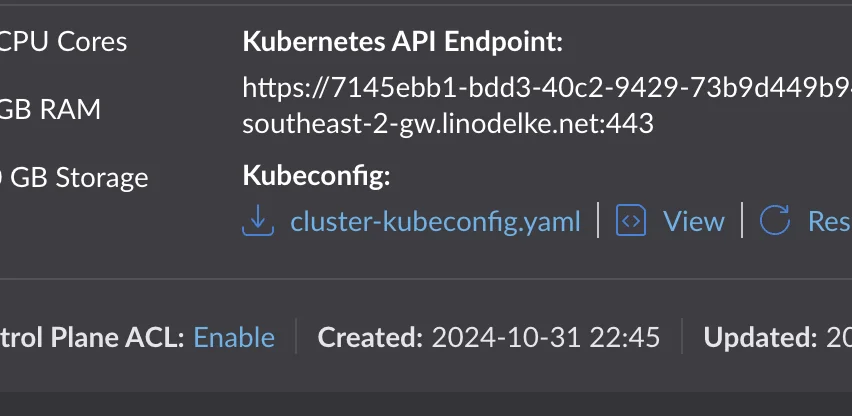
Download the Kubeconfig file once the cluster is ready.
AWS
To install for AWS, we recommend using Portainer to maintain a persistent cluster connection.
Upload Kubeconfig to Canine
- Navigate to Clusters → + New Cluster
- Give your cluster a name
- Upload your Kubeconfig file to Canine.
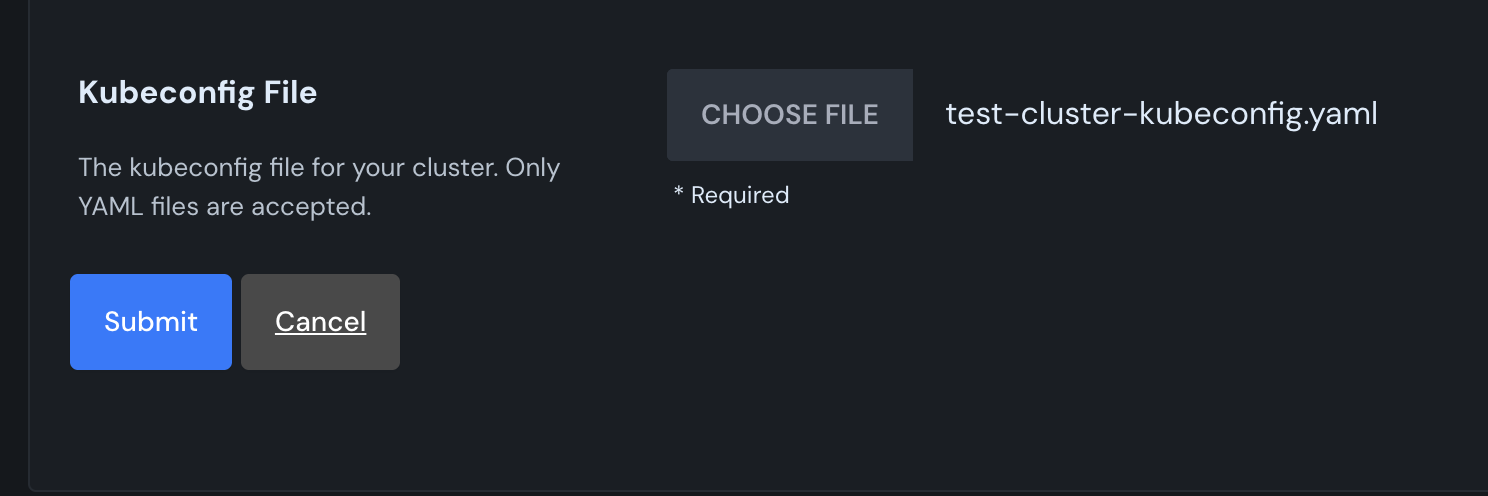
Canine will install the necessary dependencies to your cluster.