Local K3s
For local development or testing, you can run K3s on your local machine using Docker.
Prerequisites
- Docker installed and running
- At least 4GB of available RAM
Install K3s with K3d
K3d is a lightweight wrapper to run K3s in Docker.
# Install k3d
curl -s https://raw.githubusercontent.com/k3d-io/k3d/main/install.sh | bash

# Create a cluster
k3d cluster create canine-local --api-port 6550 -p "80:80@loadbalancer" -p "443:443@loadbalancer"

# Get the kubeconfig
k3d kubeconfig get canine-local
Upload Kubeconfig to Canine
- Navigate to Clusters → + New Cluster
- Give your cluster a name
- Upload your Kubeconfig file to Canine.
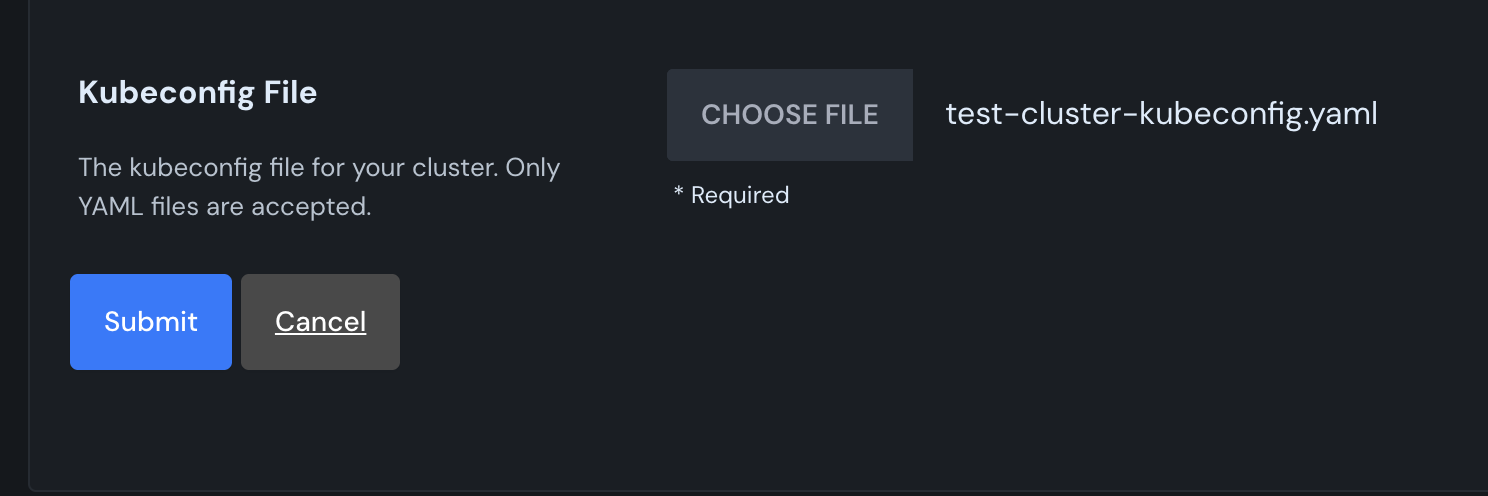
Canine will install the necessary dependencies to your cluster.