Preview Apps
Preview apps are a way to create fork applications that are built from a Pull Request (Merge Request). Preview apps are only supported for Git repository based projects.
Enable preview apps
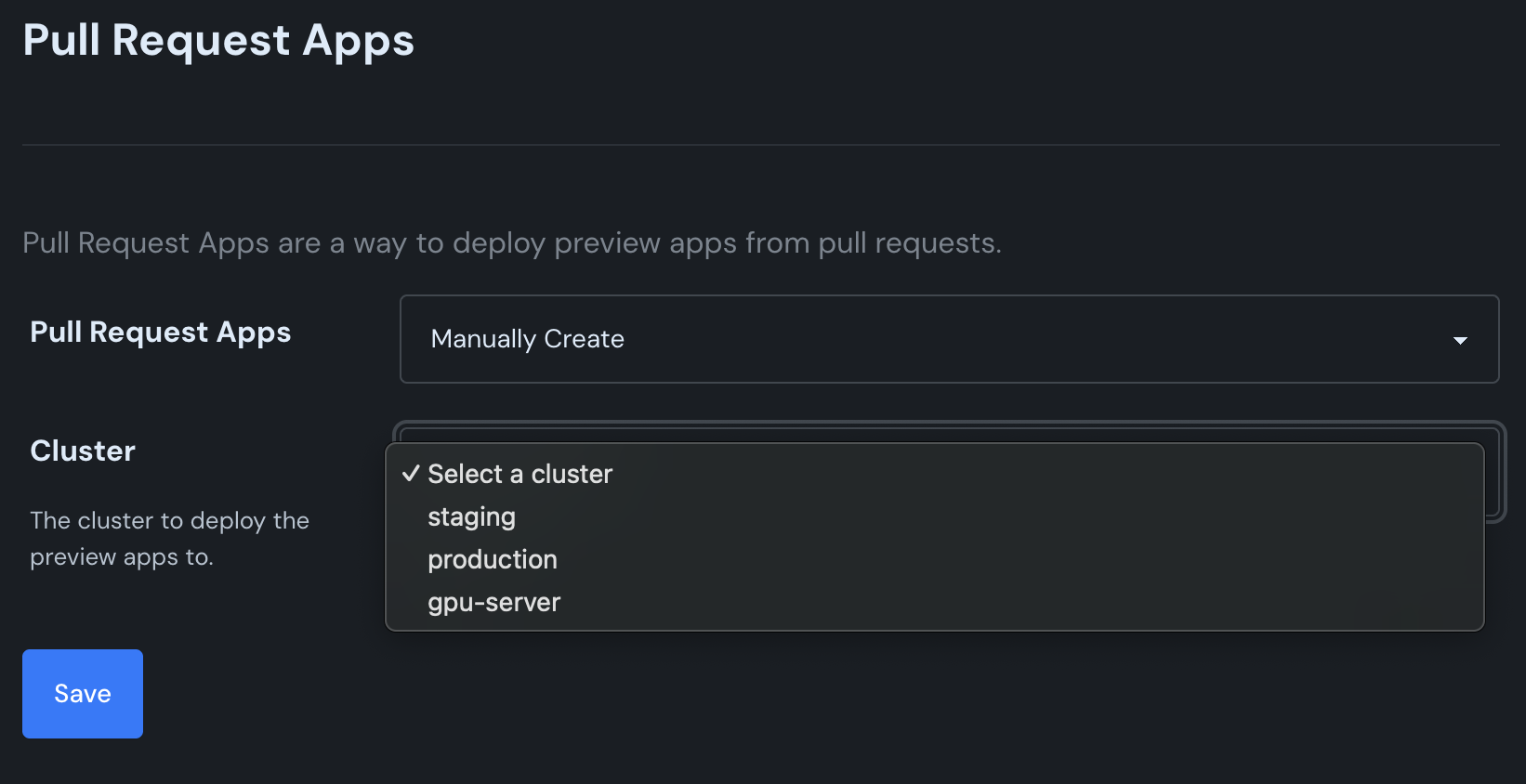
Go to Projects → Settings and enable preview apps. Set up which cluster you want to deploy the preview app to. Often, you'll want to set up a separate cluster so that the preview apps aren't deployed on the same cluster as your production application.
Create your first preview app
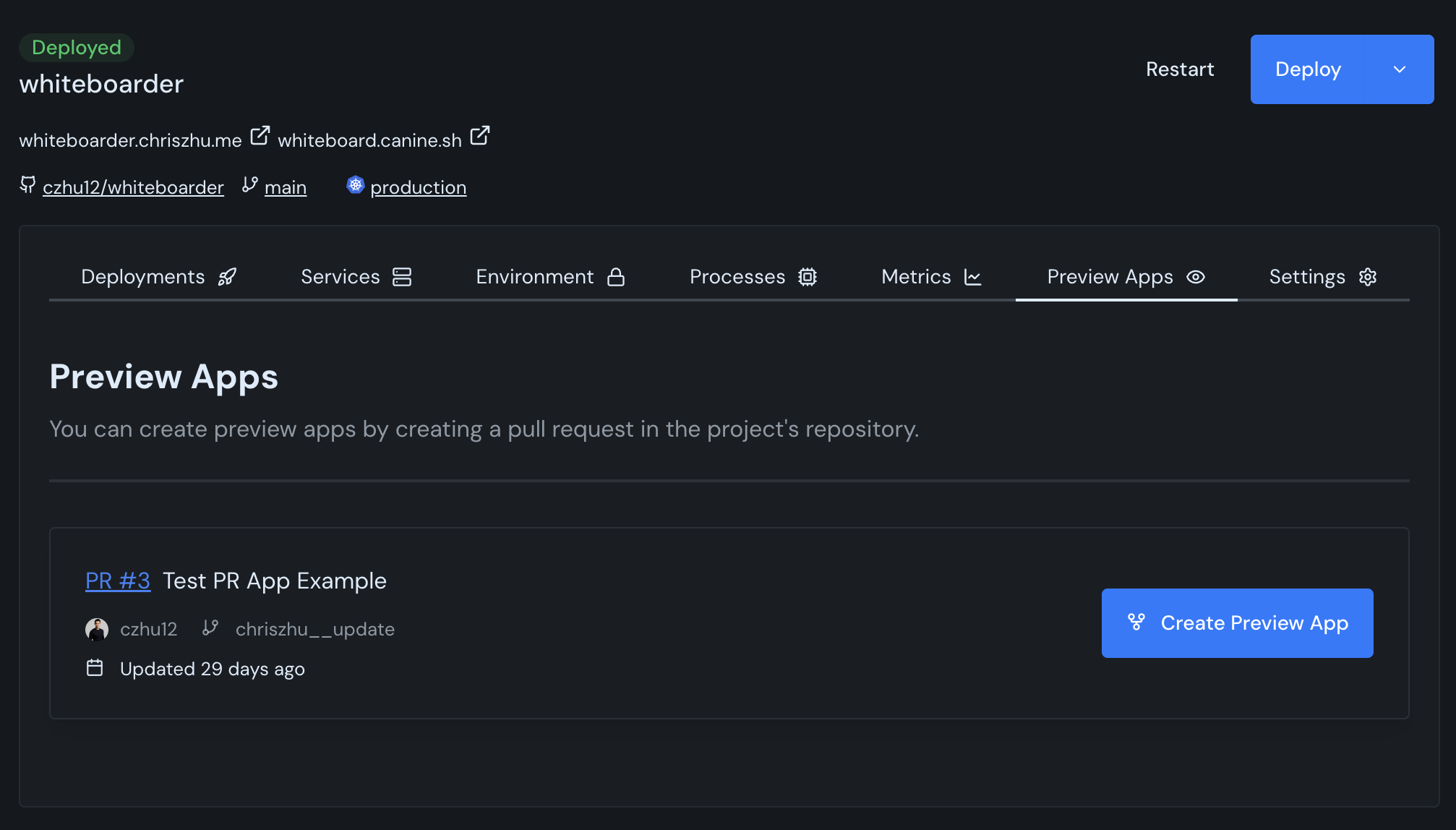
Navigate to Projects → Your Project → Preview Apps. You should see any open pull requests available to create a preview app.
Configuring preview apps
To automatically configure your preview apps with environment variables, services, etc, create a YAML file in the root of your project called canine.yml. An example canine.yml file:
scripts:
  predeploy: echo "Pre deploy script"
  postdeploy: echo "Post deploy script"
  predestroy: echo "Pre destroy script"
  postdestroy: echo "Post destroy script"
services:
  - name: web
    container_port: 6379
    service_type: web_service
  - name: bg-worker
    container_port: 6379
    service_type: background_worker
environment_variables:
  - name: DATABASE_URL
    value: postgres://localhost/test
The available variables are:
| Key | Type | Description |
|---|---|---|
scripts.predeploy | string | Script to run before deployment |
scripts.postdeploy | string | Script to run after deployment |
scripts.predestroy | string | Script to run before destruction |
scripts.postdestroy | string | Script to run after destruction |
services | array | List of services to deploy |
services[].name | string | Name of the service |
services[].container_port | number | Port the container exposes |
services[].service_type | string | Type of service (web_service, background_worker, cron_job) |
environment_variables | array | List of environment variables |
environment_variables[].name | string | Name of the environment variable |
environment_variables[].value | string | Value of the environment variable |
Templating canine.yml with ERB
Often, you'll want to template the configuration of a new preview app. canine.yml files support ERB templating. For example, a common use case is to set up each preview app with its own separate database, and then delete that database when the preview app is destroyed.
You can achieve something that with a canine.yml file like:
environment_variables:
  - name: DATABASE_URL
    value: "postgres://postgres_url/preview_app_database_<%= number %>" # Have each preview app have its own database based on the pull request number
scripts:
  predeploy: "/script-to-create-database" # Create the database when the preview app is first created
  postdestroy: "/script-to-drop-database" # Delete the database when the preview app is destroyed
services:
  - name: web
    container_port: 6379
    service_type: web_service
The available variables are:
| Variable | Type | Description | Example |
|---|---|---|---|
cluster_id | string | ID of the cluster the preview app is deployed to | 1 |
cluster_name | string | Name of the cluster the preview app is deployed to (within Canine) | staging |
project_id | string | ID of the new preview app | 1 |
project_name | string | Name of the new preview app (within Canine) | whiteboarder-5 |
number | number | Preview app number | 5 |
title | string | Title of the preview app | "Bump version of whiteboarder" |
branch_name | string | Branch the preview app is deployed from | bump_version |
username | string | Git username of the pull request creator | czhu12 |