Authentication
The Canine CLI uses API tokens for authentication. Tokens are stored locally in ~/.canine/canine.yaml.
Login
Authenticate with your API token:
canine auth login --token <YOUR_API_TOKEN>
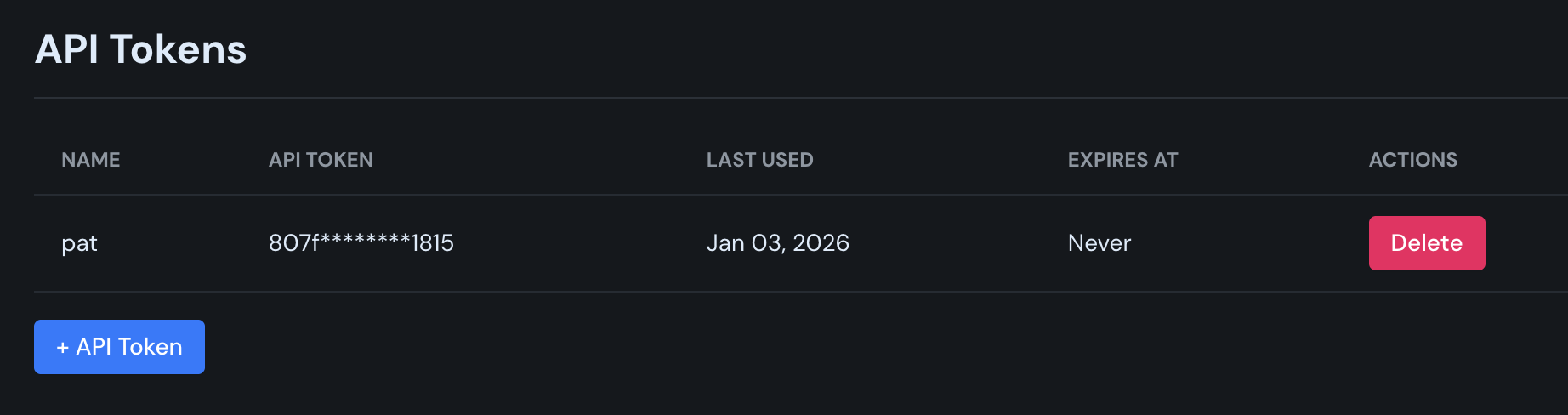
To create an API token, go to Accounts → Credentials → API Tokens in the Canine dashboard.
Options
| Option | Description |
|---|---|
--token <TOKEN> | Your API token (required) |
--host <HOST> | Custom API host (default: https://canine.sh) |
--account <ACCOUNT> | Account slug to use |
Example
canine auth login --token abc123xyz
Output:
Logged in as user@example.com
Check Status
View your current authentication status:
canine auth status
Output:
Currently logged in as: user@example.com
Current account: my-team

Available accounts:
| ID | SLUG     |
|----|----------|
| 1  | personal |
| 2  | my-team  |
Logout
Clear your stored credentials:
canine auth logout
This removes the ~/.canine/canine.yaml configuration file.
Multi-Account Support
If you have access to multiple accounts (teams or organizations), you can switch between them.
View Available Accounts
canine auth status
Switch Account
canine accounts change-account <ACCOUNT_SLUG>
Example:
canine accounts change-account my-team
After switching, all subsequent commands will operate on the selected account.
Credential Storage
Credentials are stored in ~/.canine/canine.yaml:
host: https://canine.sh
token: your-api-token
account: my-team
Security
Keep your API token secure. Do not share it or commit it to version control.